
Your phone holds your photos, your messages, your bank details and the keys to almost every account you own, which makes it one of the most valuable targets a thief can find. Learning how to protect your phone from hackers is no longer a job for experts; it is basic safety for anyone who carries a smartphone. The good news is that how to protect your phone from hackers mostly comes down to a handful of simple habits, and once they are set up, they protect you quietly in the background every day. This guide explains the real risks, the settings that matter most, and the daily habits that keep your phone — and everything on it — safe.
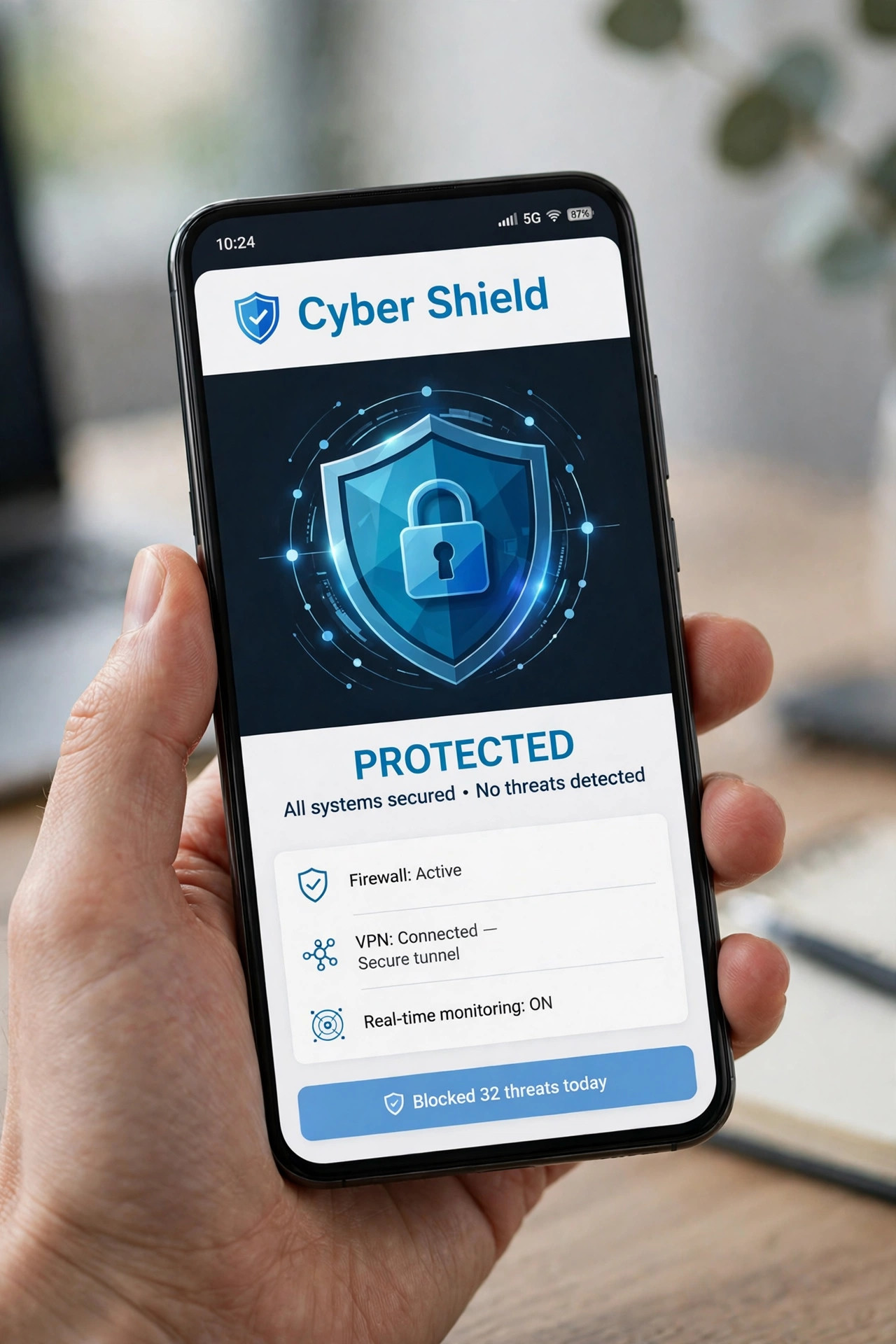
How Phones Actually Get Hacked
Most phone hacking does not look like a movie scene with code flying across a screen. In real life, attackers usually trick the owner instead of breaking the technology. A fake text message claims your parcel is delayed and asks you to tap a link. A convincing email pretends to be your bank and asks you to confirm your password. A free Wi-Fi network in a cafe quietly watches what you send. Understanding how to protect your phone from hackers starts with recognising these tricks, because the strongest lock on your phone is useless if you hand the key to a stranger yourself.
Other risks are more technical but just as common. Apps downloaded from outside official stores can hide malware. Old software contains holes that attackers already know about. And a phone without a lock screen is an open door for anyone who picks it up. None of these problems require advanced skill to fix, which is why a few minutes of setup goes such a long way.
Lock the Front Door: Screen Lock and Updates
Start with the basics. Use a strong PIN, password or fingerprint lock, and set the phone to lock itself quickly when you are not using it. A six-digit PIN is far stronger than four digits, and biometric locks add convenience without weakening security. Next, turn on automatic updates for both the operating system and your apps. Updates are not just about new features; they close security holes that hackers actively exploit, and delaying them leaves those holes open.
While you are in your settings, check that your phone can be found or wiped remotely if it is lost or stolen. Both major phone platforms offer this free, and it means a lost phone does not have to mean lost data. Knowing how to protect your phone from hackers includes planning for the day you misplace it, not just for attacks over the internet.
Passwords, Two-Factor Authentication and App Permissions
Reuse is the enemy of safety. If one website leaks your password and you used the same one everywhere, every account falls at once. Use a different, strong password for each important account, and let a password manager remember them for you. Then switch on two-factor authentication wherever it is offered, especially for email, banking and social media. Even if someone steals your password, a second code on your phone stops them from getting in.
App permissions deserve the same attention. Many apps ask for access to your contacts, location, microphone or photos without truly needing them. Review permissions once every few months and remove anything that seems excessive. A torch app does not need your contacts, and a game does not need your location. If you are shopping for a new handset, our guide to best budget smartphones shows how to get strong security features without paying flagship prices.
Safe Habits on Wi-Fi, Messages and Links
Public Wi-Fi is convenient and risky. Avoid logging into your bank or entering passwords on open networks, and consider a reputable VPN app if you travel often. Treat unexpected messages with suspicion, even when they seem to come from a company you know. Real banks never ask for your full password by text, and delivery companies never ask you to pay a small fee through a random link. When in doubt, open the company’s official app or website yourself instead of tapping the link you were sent.
Be careful with what you share publicly too. Photos with location tags, holiday announcements and personal details give attackers material for convincing scams. Review your social media privacy settings, and think twice before posting anything that reveals when your home will be empty. You can find more practical technology advice in the Tech section, which covers phones, apps and everyday digital safety.
Keep Your Phone’s Software and Accounts Tidy
Good security is also about housekeeping. Once every few months, delete apps you no longer use, since every app is a potential doorway into your phone, and old apps that are no longer updated are riskier than most. Check which devices are signed into your important accounts and remove any you no longer recognise, especially old phones you have sold or given away. Finally, back up your photos and contacts regularly, either to a cloud service or to a computer, so that even in the worst case — a stolen phone or a full reset — you lose the device, not your memories. These small tidy-up sessions take less than half an hour and keep the protections described above working properly.
What to Do If You Think You Have Been Hacked
If your phone starts behaving strangely — battery draining fast, apps you did not install, messages you did not send — act quickly but calmly. Change your most important passwords from a different device, starting with your email account, since email can reset almost everything else. Check your bank statements, turn on two-factor authentication everywhere, and remove any suspicious apps. If the problem continues, back up your photos and contacts and reset the phone to factory settings, which removes almost all malware.
Finally, report the incident. Your bank can block fraudulent transactions, and your mobile provider can secure your number against SIM-swap tricks. The faster you act, the smaller the damage, so do not wait out of embarrassment. Anyone can be targeted, and responding quickly is what separates a minor scare from a serious loss.
Conclusion
Phone security sounds technical, but it is really just good habits: a strong lock, regular updates, unique passwords, two-factor authentication and a healthy suspicion of unexpected links. Put these in place once, review them occasionally, and you will have learned how to protect your phone from hackers in a way that lasts. Your phone holds your whole digital life, and a few minutes of care today is the cheapest insurance you will ever buy.